
Tabletop talk
PS5 players report a cache workaround for GTA 6 weather, with results still anecdotal
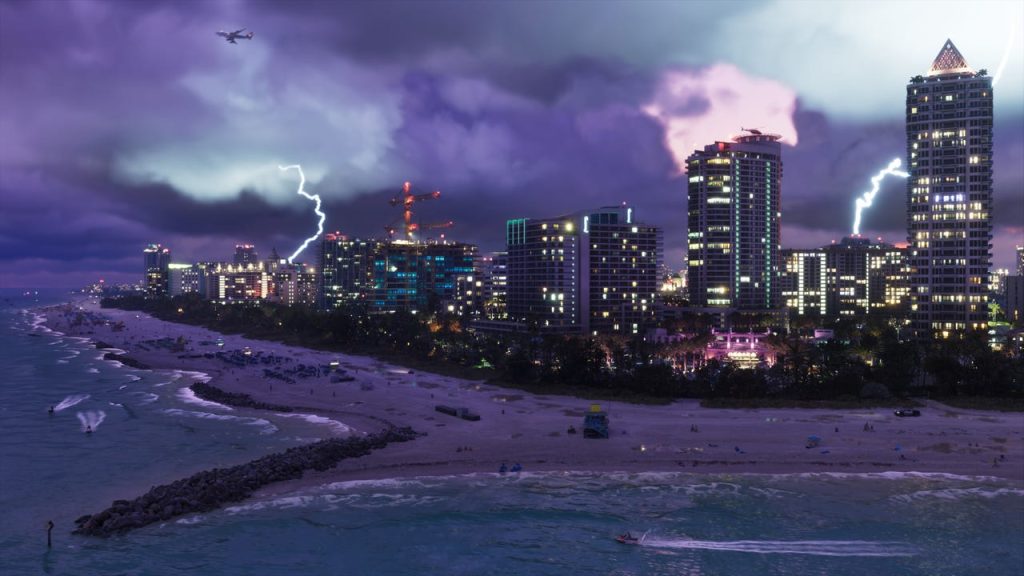
Some PlayStation 5 players say clearing the console’s system cache helped restore more varied weather in Grand Theft Auto 6 after its first post-launch patch. The accounts remain anecdotal: a storm appearing after a restart does not establish that the procedure fixes every affected game.
Weather also changes with the story
Rockstar lighting and rendering executive Owen Shepherd has described an intentional progression from generally better weather early in the story toward more changeable conditions later. Localized rain can also be missed. That design makes a controlled comparison harder than simply checking whether one session contains a thunderstorm.
Use the named cache option
Sony’s support instructions say to turn the console off, hold its power button until the second beep, then connect a controller by USB. In Safe Mode, the relevant menu is Clear Cache and Rebuild Database, followed by Clear System Software Cache.
That selection should not be confused with Reset PS5 or the reinstall option, which Sony says delete user data. Sony describes cache clearing as general troubleshooting; its documentation does not confirm a GTA 6 weather fix. Treat the community reports as an unverified workaround, rather than an official remedy.