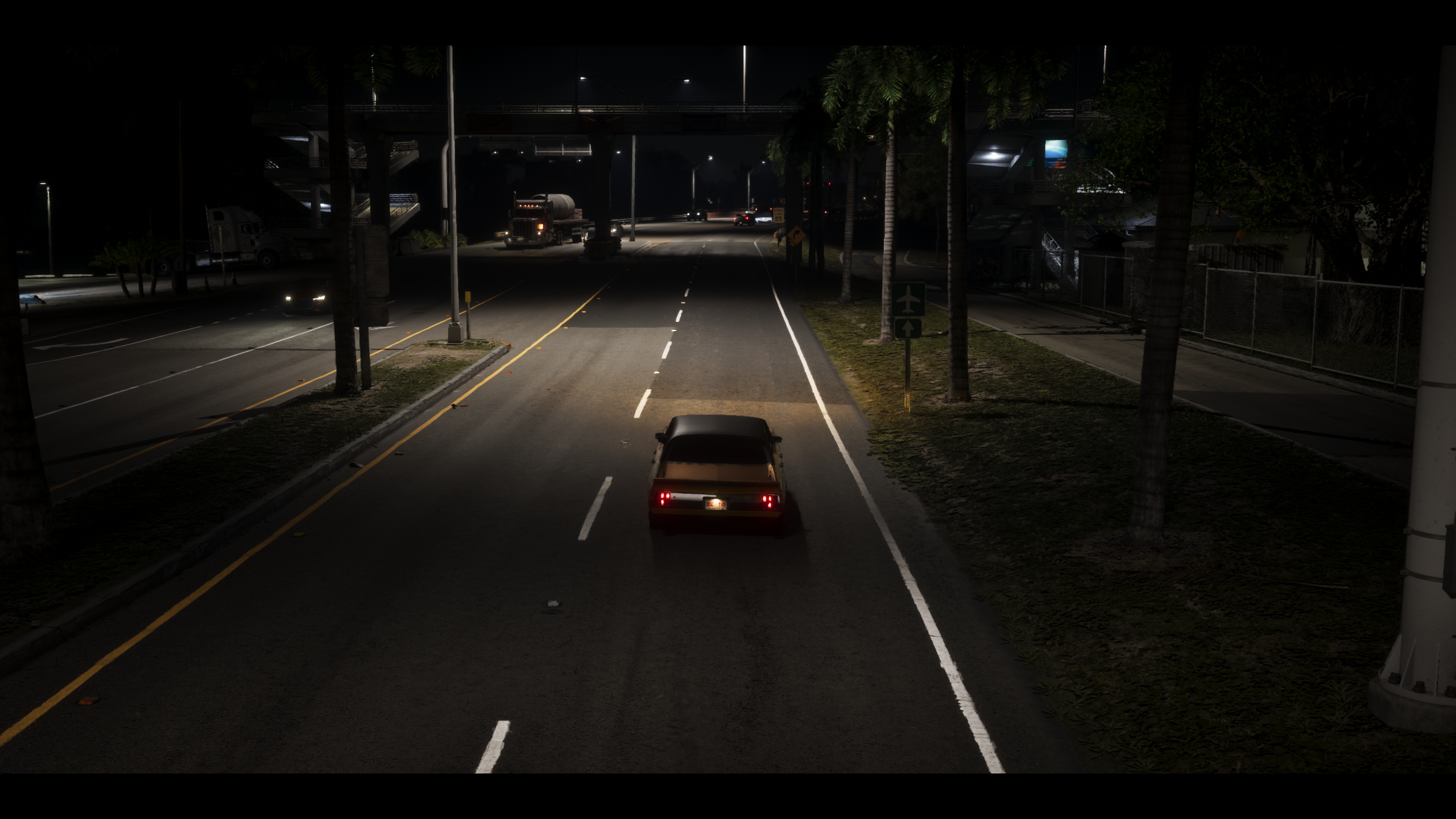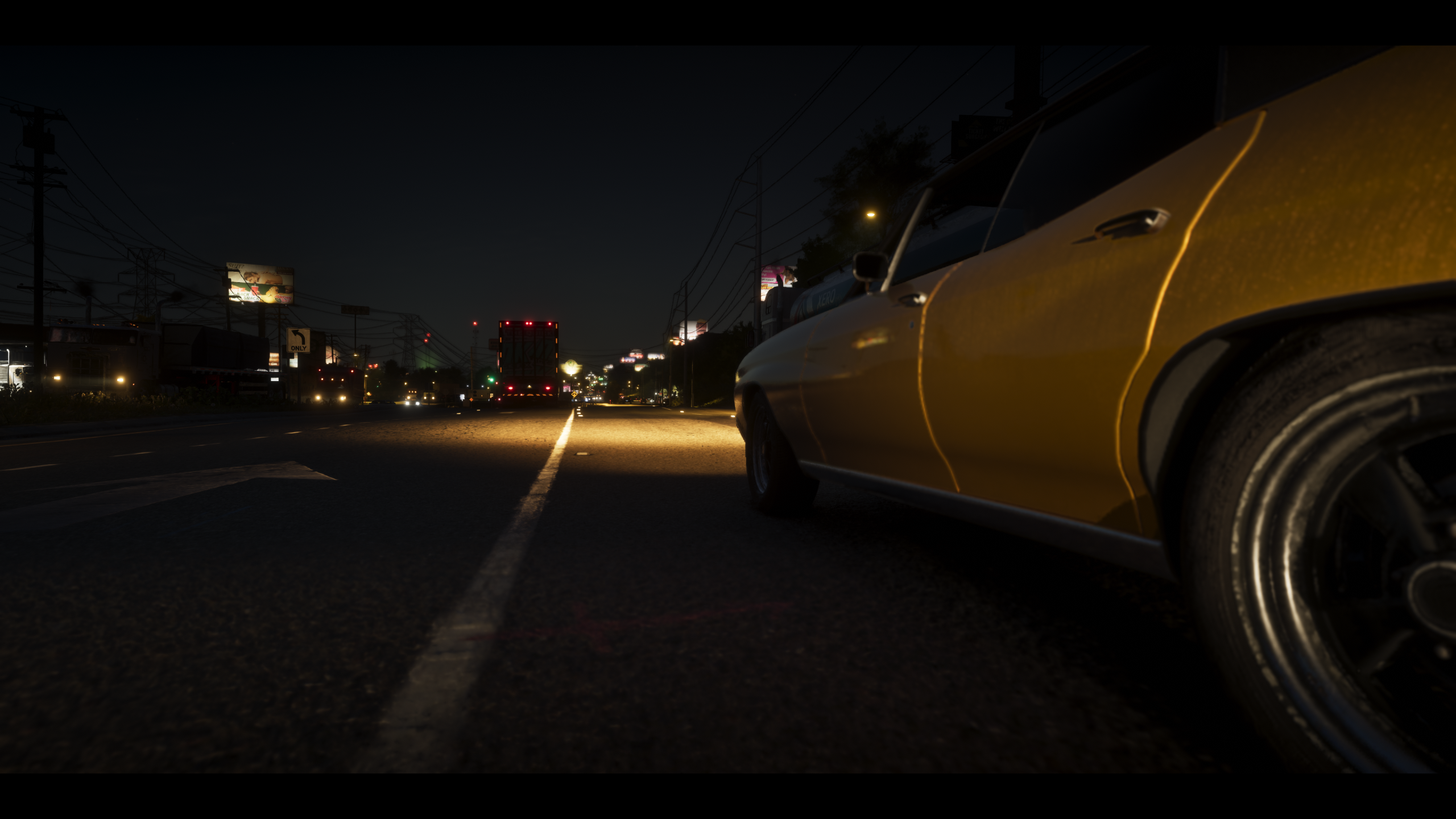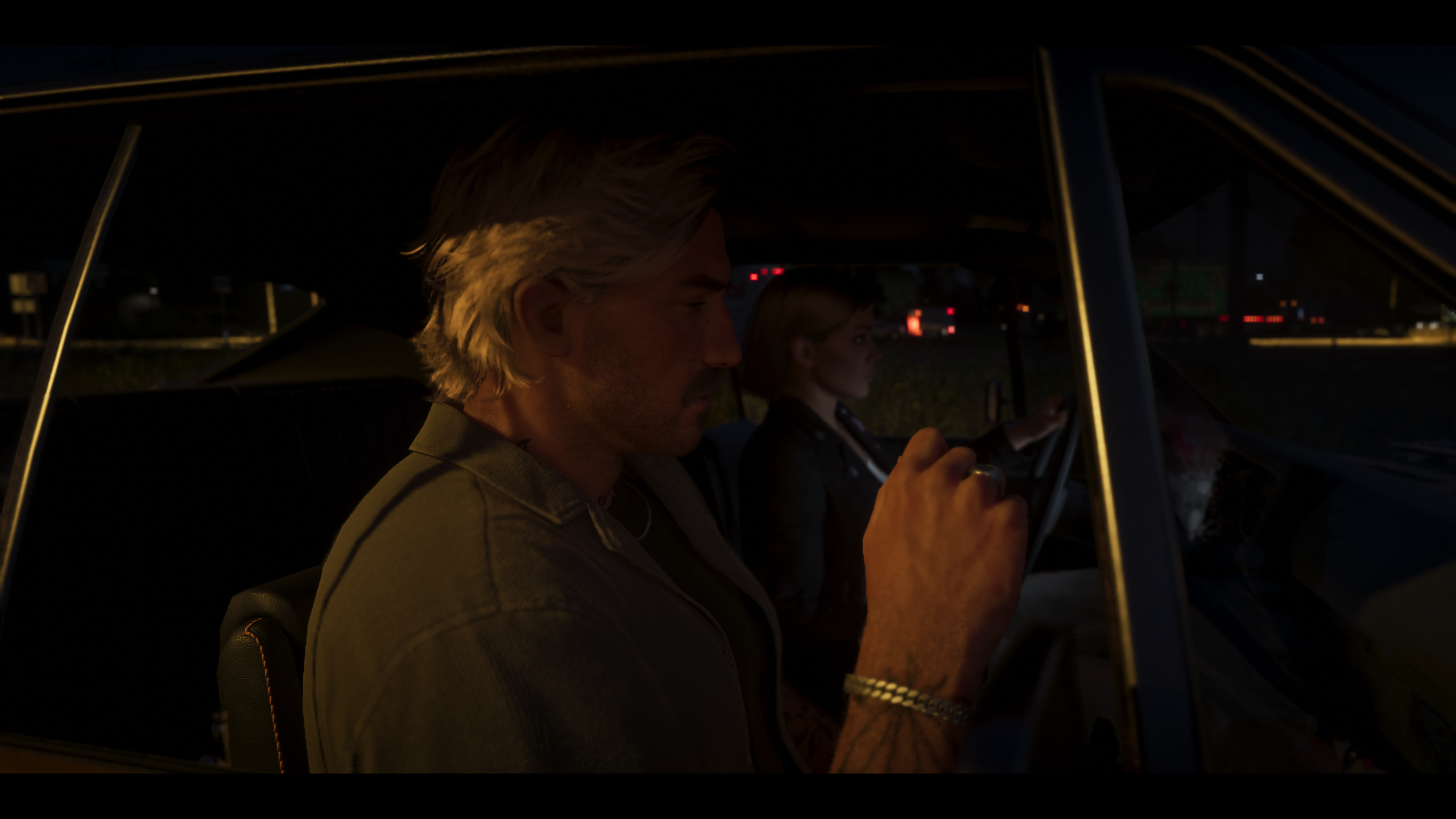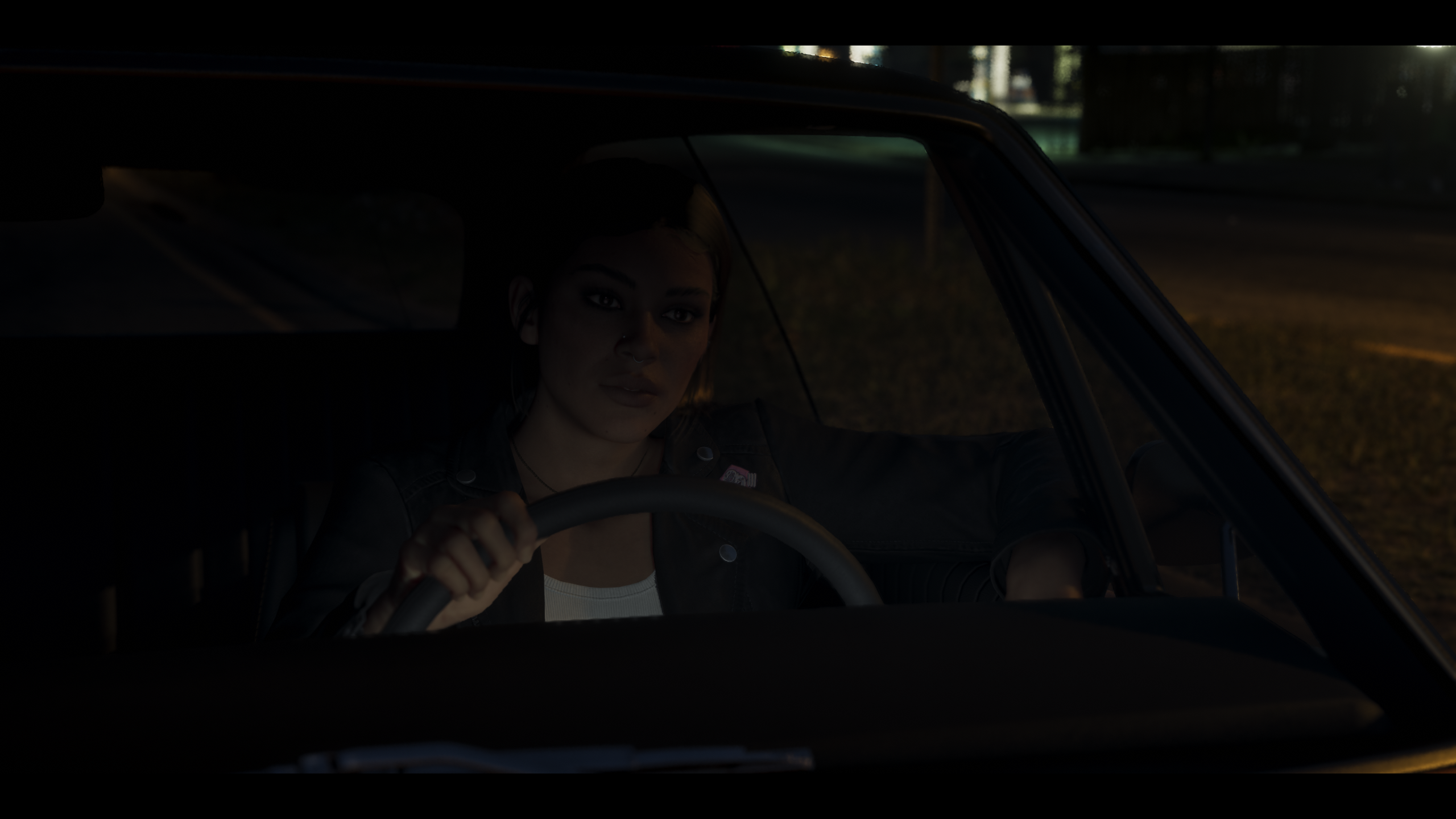
GTA 6 can handle a journey for you when Auto Drive is used with Cinematic Camera and a chosen destination. That gives you more space to watch Leonida and listen to Jason and Lucia, although the unrestricted setting still allows situations that may end in a collision.
Set up an automatic journey
- Choose your destination on the map. You can also hold Down on the D-pad to open the quick navigation menu.
- While in the car, press Down on the D-pad to open the camera options and select Cinematic.
- With a destination set, follow the Auto Drive prompt. The Xbox walkthrough specifies holding B to activate it.
- Use LT/L2 and RT/R2 to change speed, or hold Down on the D-pad to exit Auto Drive.
- If the setting needs checking, open Settings and select Gameplay, then find Auto Drive.
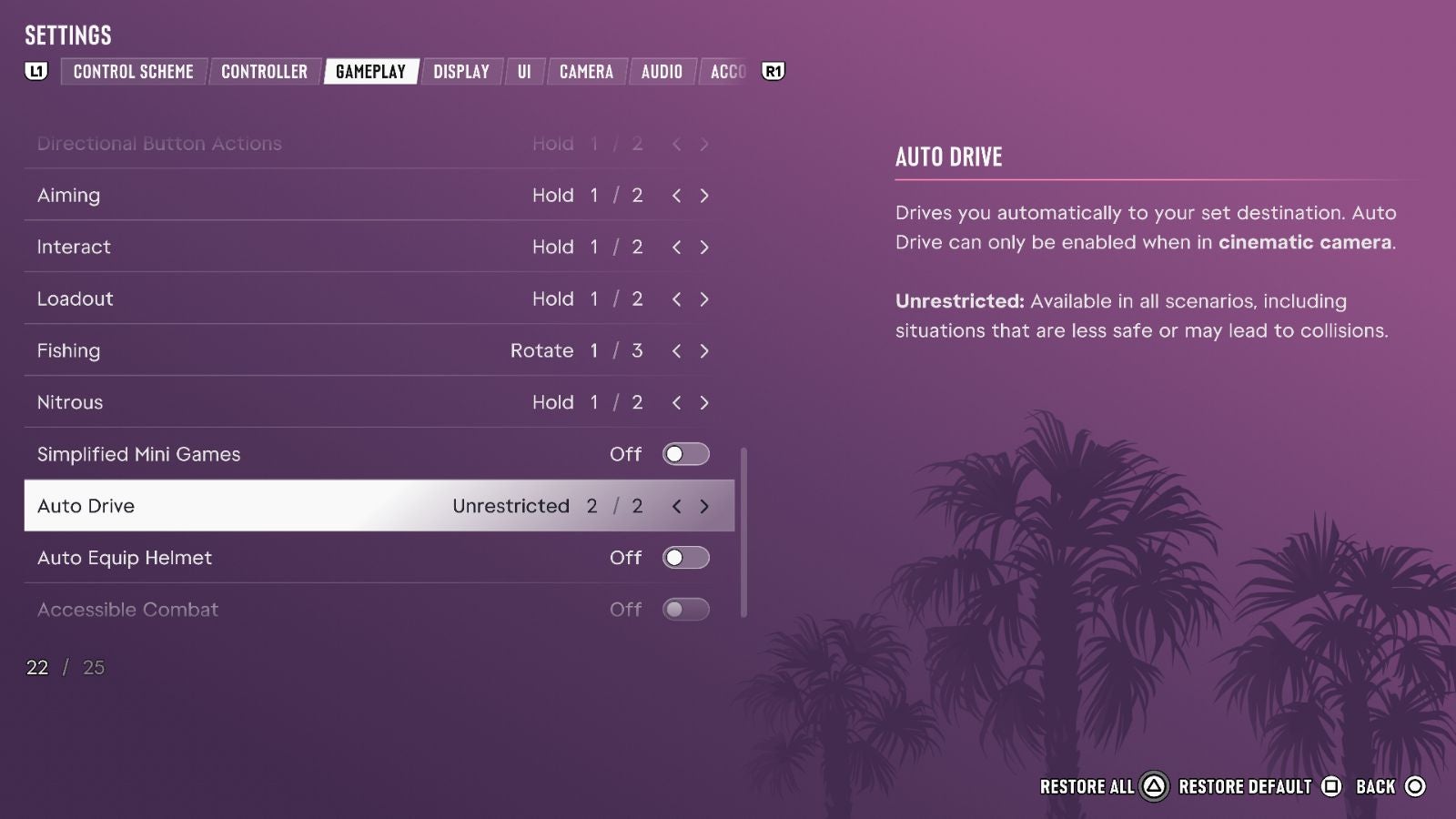
The in-game description says Auto Drive can only be enabled while using Cinematic Camera. It also warns that Unrestricted makes it available in all scenarios, including less safe situations or ones that may lead to collisions. It is a convenience setting, not a guarantee of an incident-free trip.
Give the conversations room to play
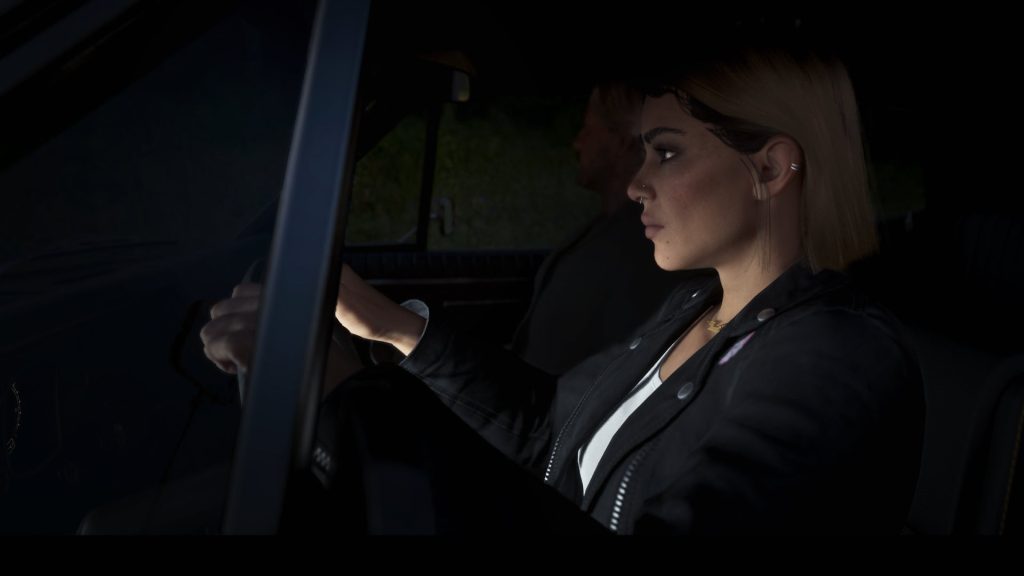
In a new Eurogamer account, Dom Peppiatt describes using longer drives to hear conversations that could otherwise be interrupted by traffic and the demands of manual driving. His examples include travelling between the Pelican River area and Vice City, as well as quieter journeys around the Keys.
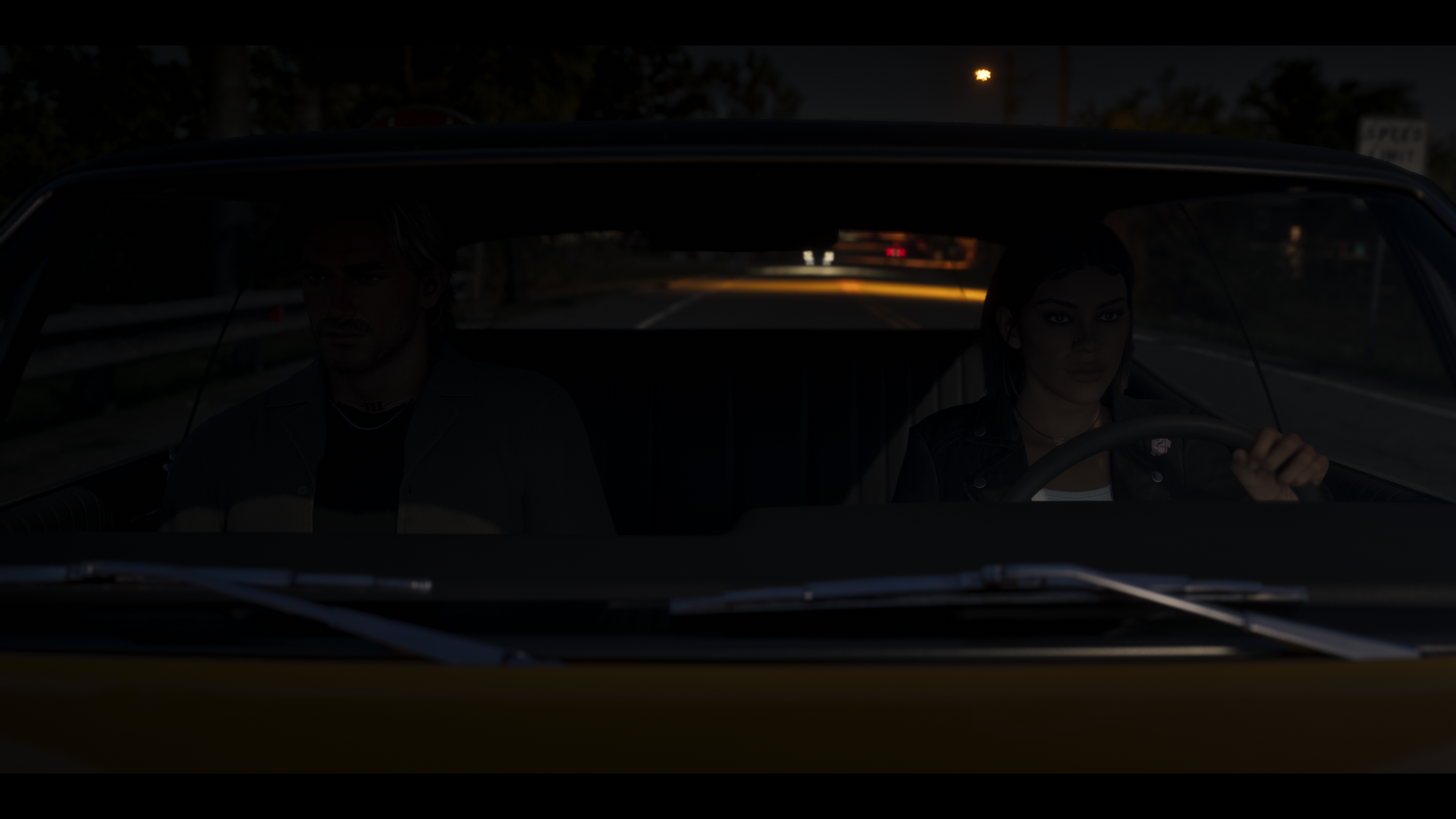
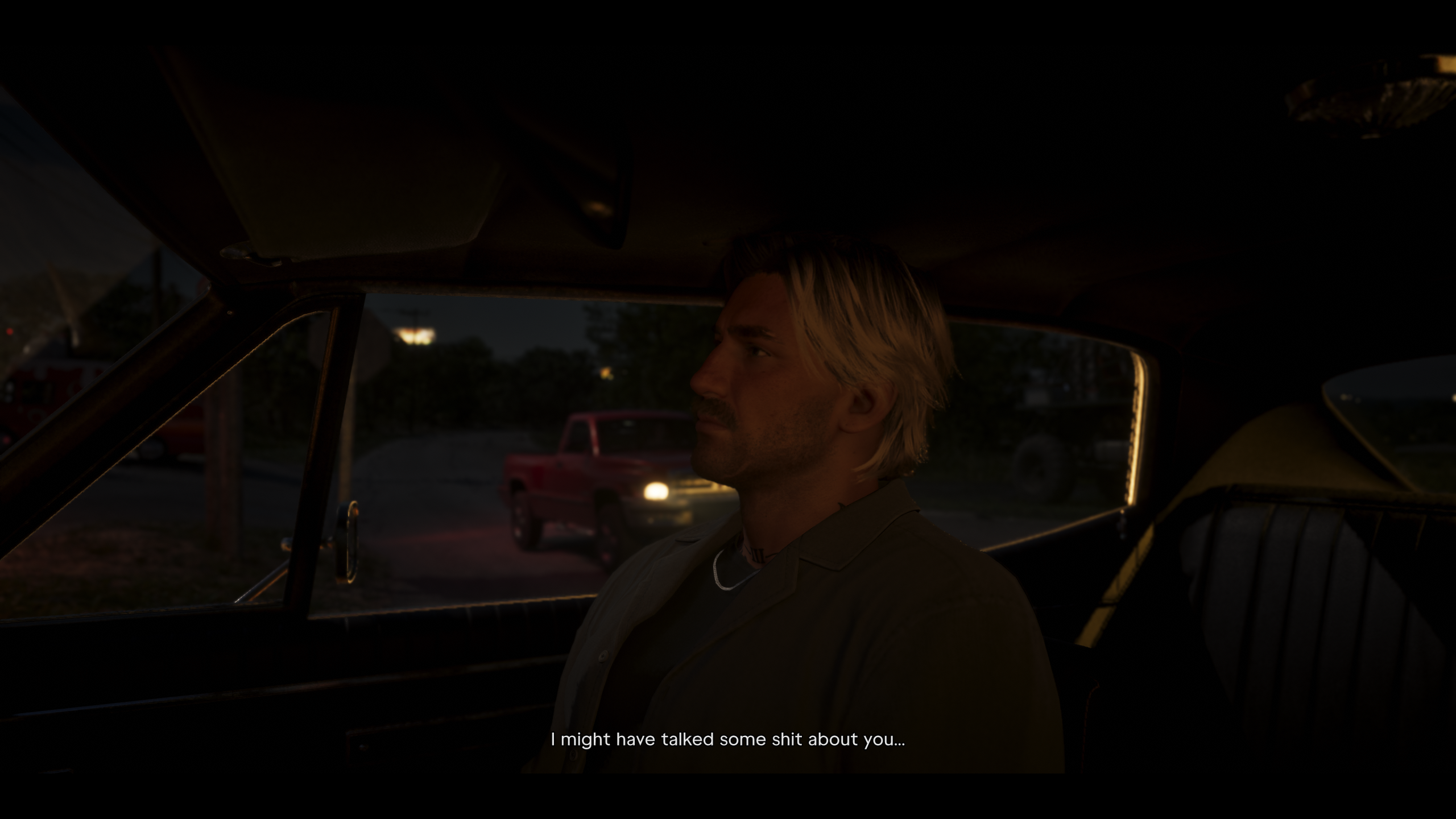
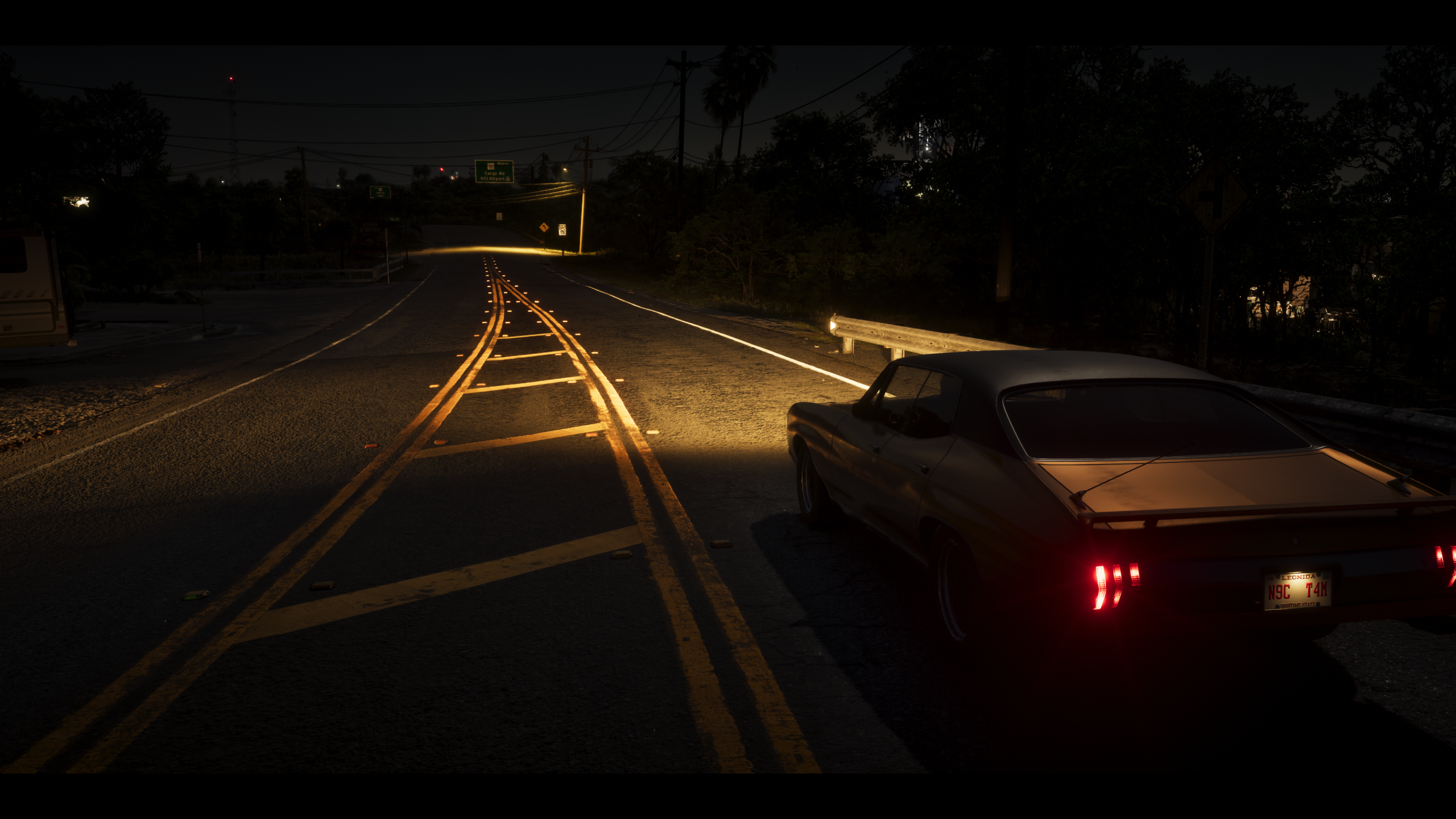
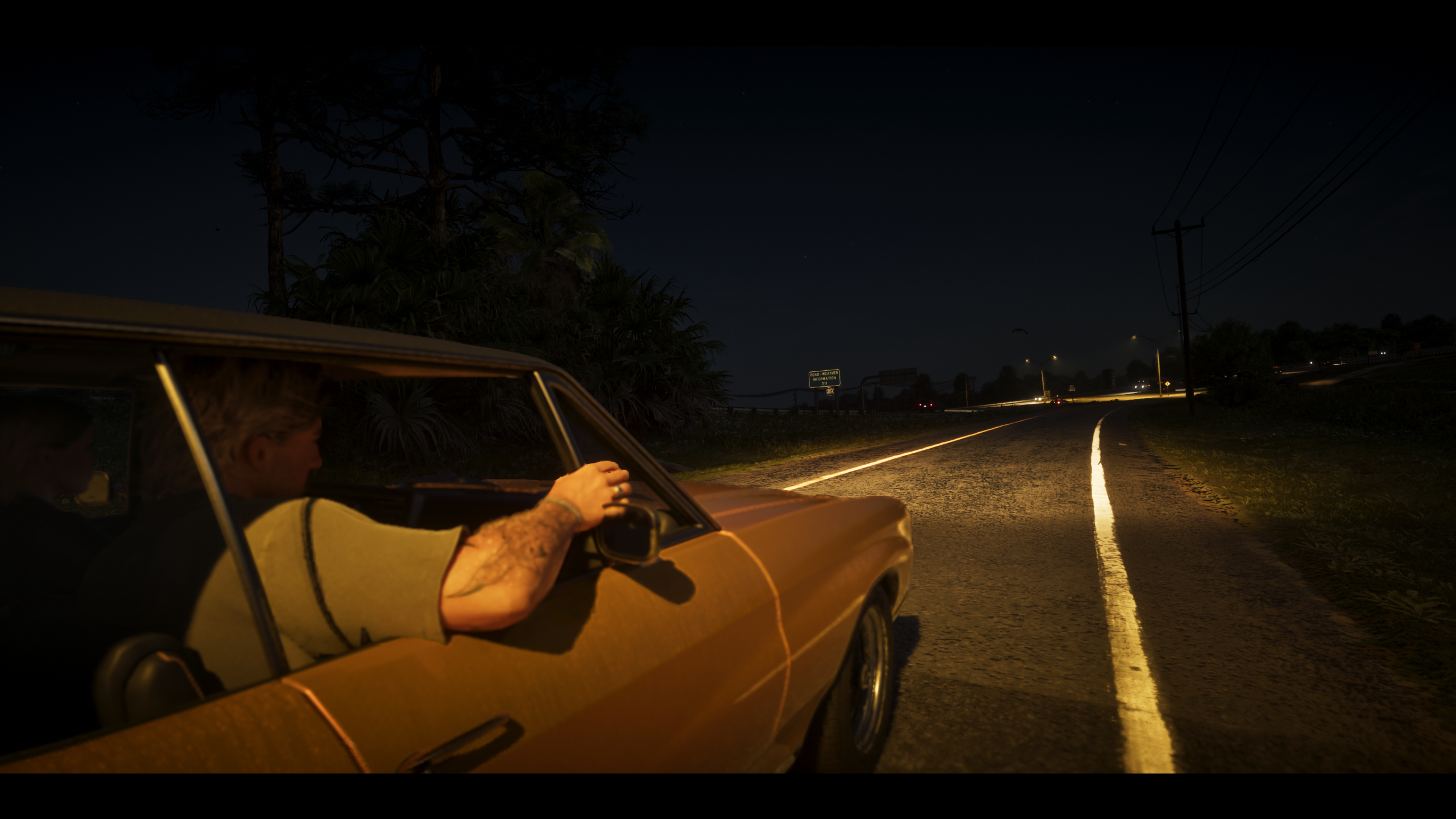
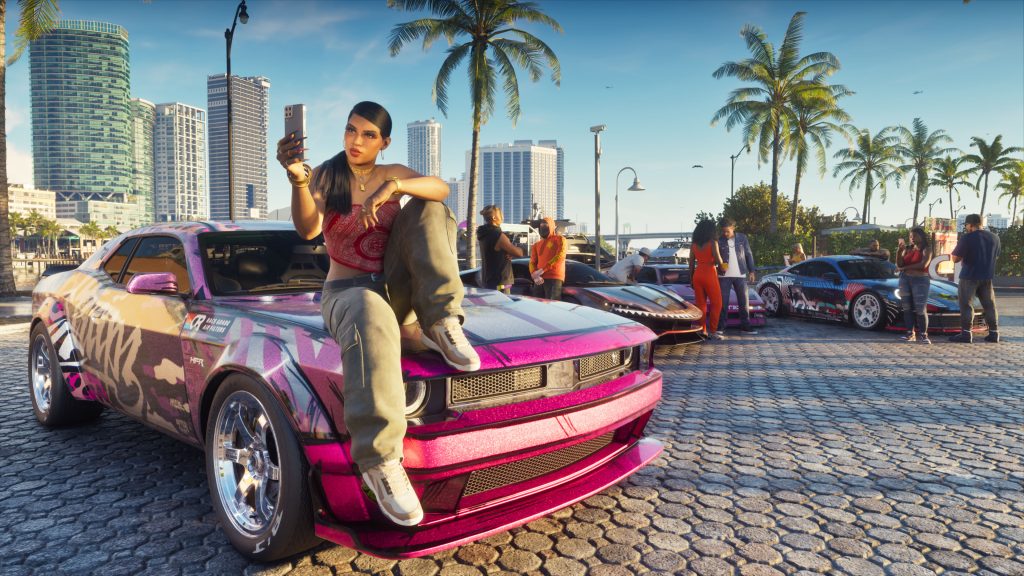
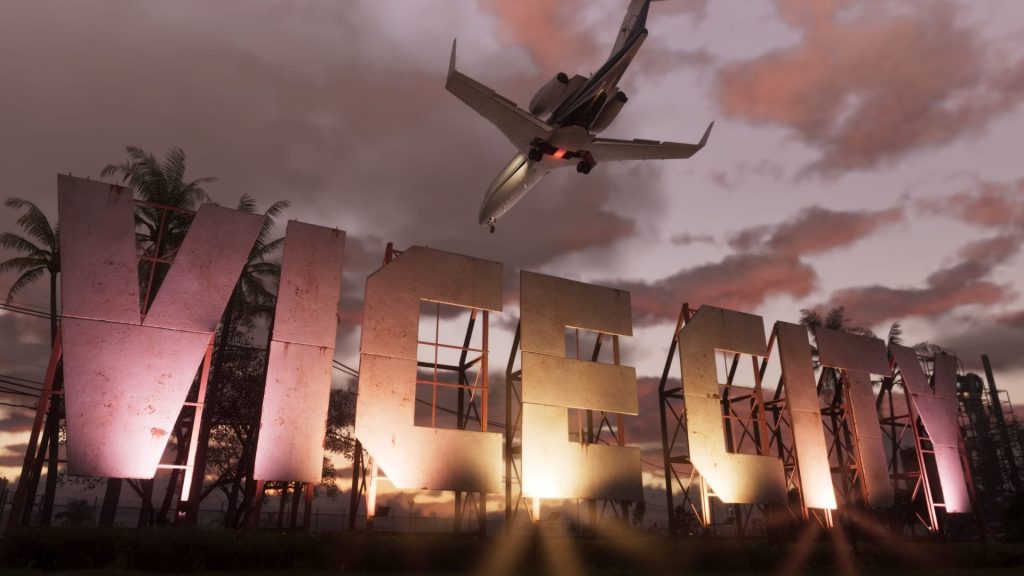
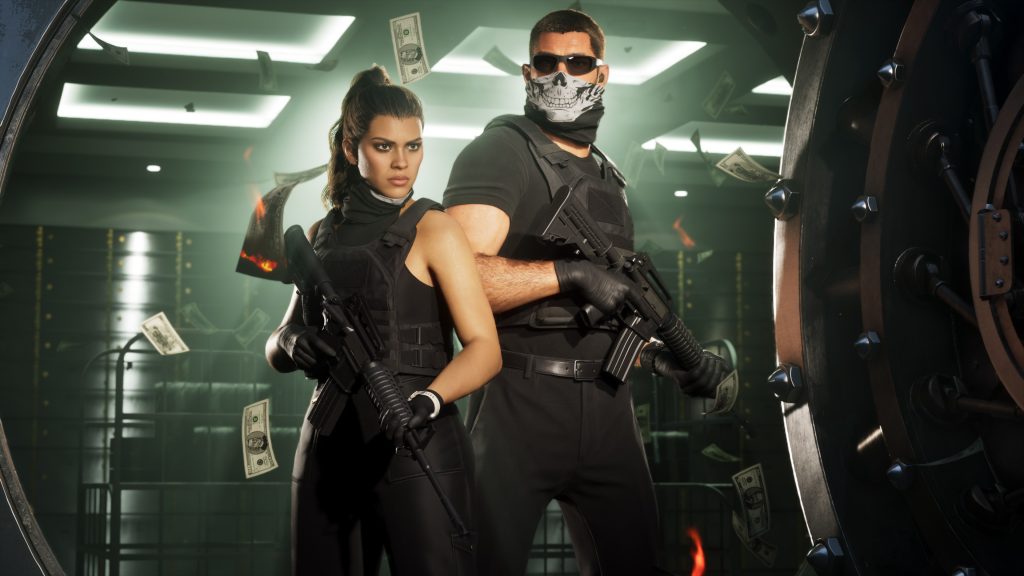
The camera also changes how much of the scenery and the pair’s small interactions you notice along the road. The following screenshots illustrate those driving moments without requiring you to follow the same story route.